Excel Formulas and Functions: A Complete Guide with Examples
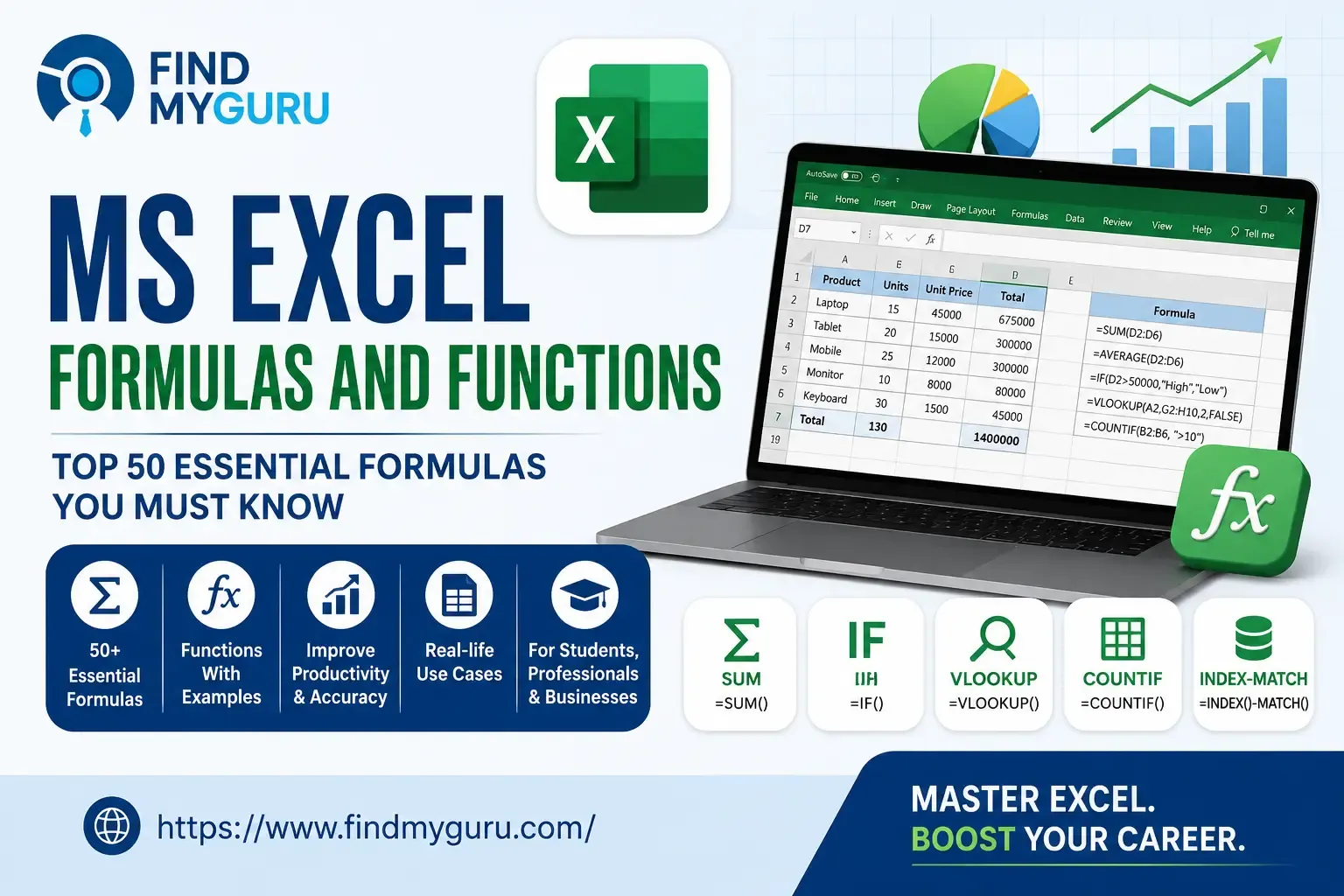
MS Excel Formulas and Functions: Top 50 Essential Formulas for Students and Professionals
MS Excel remains one of the most widely used productivity tools in businesses, educational institutions, government organizations, and startups. Whether you are a student, accountant, data analyst, office executive, or business owner, understanding MS Excel Formulas and Functions, Online Tutors Needed can help you work faster, reduce errors, and analyze data more effectively.
According to Microsoft, Excel is used by millions of professionals worldwide for calculations, reporting, forecasting, and data management. As organizations increasingly rely on data-driven decisions, Excel skills continue to be among the most requested workplace competencies.
What Are MS Excel Formulas and Functions?
MS Excel formulas and functions help users perform calculations, manipulate data, and automate repetitive tasks.
A formula is an expression that calculates values using cell references, numbers, and operators. A function is a predefined formula built into Excel that performs a specific task automatically.
For example, adding numbers manually across hundreds of rows can be time-consuming. The SUM function performs the calculation instantly and accurately.
Learning Excel formulas improves productivity, accuracy, and efficiency in both academic and professional environments.
Why Are Excel Formulas Important?
Excel formulas save time and reduce manual work.
Organizations use Excel to prepare reports, analyze sales, manage inventory, track expenses, and evaluate performance metrics. Without formulas, these tasks require significant manual effort and increase the risk of mistakes.
Excel functions allow users to automate calculations, organize information, and generate insights from large datasets.
According to Microsoft's workplace productivity studies, spreadsheet automation significantly improves operational efficiency and reporting accuracy across organizations.
What Is the SUM Formula in Excel?
The SUM formula in Excel adds values from multiple cells.
Definition: SUM is one of the most commonly used Excel functions that automatically calculates the total of selected numbers or cell ranges.
Example:
=SUM(A1:A10)
This formula adds all values from cell A1 to A10.
SUM is widely used in budgeting, accounting, sales reporting, expense tracking, and financial analysis.
How Does the IF Function in Excel Work?
The IF function in Excel helps users make logical comparisons.
Definition: IF is a logical function that returns one value if a condition is true and another value if the condition is false.
Example:
=IF(A1>=50,"Pass","Fail")
If the value in A1 is 50 or greater, Excel displays "Pass." Otherwise, it displays "Fail."
The IF function is commonly used in grading systems, performance evaluations, and decision-making reports.
What Are the Most Important MS Excel Formulas and Functions?
The most useful Excel formulas fall into several Tutors by Location categories that support everyday business and academic tasks.
Mathematical Functions
Mathematical functions perform calculations and numerical operations.
The most frequently used functions include SUM, PRODUCT, ROUND, ABS, MOD, POWER, SQRT, CEILING, FLOOR, and RAND. These formulas help users perform calculations quickly and accurately.
Professionals working with financial reports, inventory records, and business data rely heavily on these functions.
Statistical Functions
Statistical functions analyze and summarize numerical data.
Popular functions include AVERAGE, MEDIAN, MODE, MAX, MIN, COUNT, COUNTA, COUNTIF, COUNTIFS, and STDEV.
Businesses use these functions to evaluate trends, measure performance, and identify patterns within datasets.
Data analysis roles frequently require proficiency in these formulas.
Logical Functions
Logical functions evaluate conditions and return results based on specified criteria.
Common examples include IF, IFS, AND, OR, NOT, IFERROR, and SWITCH.
These functions support automated decision-making and improve reporting accuracy.
Many organizations use logical functions to automate employee performance assessments and operational reports.
Text Functions
Text functions help manipulate and organize text data.
Important examples include LEFT, RIGHT, MID, LEN, CONCAT, TEXTJOIN, UPPER, LOWER, PROPER, and TRIM.
These functions are particularly useful when cleaning customer records, preparing databases, and managing business information.
Text functions simplify data preparation and improve consistency across reports.
Date and Time Functions
Date and time functions manage calendar-based calculations.
Frequently used functions include TODAY, NOW, DATE, DAY, MONTH, YEAR, WEEKDAY, EDATE, and DATEDIF.
Human resources departments, project managers, and business analysts often use these functions to track deadlines, employee tenure, and project schedules.
Lookup and Reference Functions
Lookup functions help users search and retrieve information from large datasets.
The most important lookup functions include VLOOKUP, HLOOKUP, XLOOKUP, INDEX, MATCH, and CHOOSE.
Modern organizations increasingly prefer XLOOKUP ,And Digital Marketing Career Guide for India because it offers greater flexibility and accuracy compared to traditional lookup methods.
These functions are essential for analysts, accountants, and reporting professionals.
Which Are the Top 50 MS Excel Formulas and Functions?
Many Excel users focus on a core set of functions that cover most workplace requirements.
The top 50 MS Excel formulas and functions commonly used by professionals include SUM, AVERAGE, MAX, MIN, COUNT, COUNTA, COUNTIF, COUNTIFS, SUMIF, SUMIFS, IF, IFS, AND, OR, NOT, IFERROR, VLOOKUP, HLOOKUP, XLOOKUP, INDEX, MATCH, LEFT, RIGHT, MID, LEN, CONCAT, TEXTJOIN, TRIM, UPPER, LOWER, PROPER, TODAY, NOW, DATE, YEAR, MONTH, DAY, DATEDIF, WEEKDAY, ROUND, ROUNDUP, ROUNDDOWN, ABS, MOD, POWER, SQRT, RAND, RANK, FILTER, and UNIQUE.
Mastering these functions enables users to handle the majority of business reporting, analysis, and data management tasks.
How Are Excel Functions Used in Real Work Environments?
Excel functions support daily operations across multiple industries.
Finance teams use formulas for budgeting, forecasting, and expense management. Human resource departments use functions to track attendance, calculate payroll, and monitor employee performance.
Marketing teams analyze campaign results using statistical functions. Sales teams rely on lookup functions to manage customer data and revenue reports.
Even small businesses use Excel to monitor inventory, maintain records, and generate financial statements.
This broad applicability makes Excel one of the most valuable workplace skills.
Which Excel Functions Should Beginners Learn First?
Beginners should focus on functions that provide immediate practical value.
Learning SUM, AVERAGE, COUNT, MAX, MIN, IF, COUNTIF, SUMIF, VLOOKUP, and TODAY creates a strong foundation for more advanced Excel skills.
These functions are easy to understand and commonly appear in academic assignments, office work, and job interviews.
Once users become comfortable with these formulas, they can move on to advanced functions such as XLOOKUP, INDEX-MATCH, FILTER, and dynamic arrays.
Are Advanced Excel Skills Still Relevant in 2026?
Advanced Excel skills continue to be highly valuable Home PrivateTutors Near Me despite the growth of specialized analytics tools.
Definition: Advanced Excel refers to the use of sophisticated formulas, automation features, dashboards, pivot tables, and data analysis capabilities beyond basic spreadsheet operations.
Many organizations continue using Excel because it is flexible, cost-effective, and widely accessible.
Industry reports from LinkedIn and Microsoft consistently rank Excel among the most requested digital workplace skills globally.
Professionals with advanced Excel expertise often qualify for higher-paying roles in finance, analytics, operations, and business intelligence.
How Can Students and Professionals Learn Excel Faster?
The fastest way to learn Excel is through practical application.
Working on real datasets helps users understand how formulas solve actual business problems. Consistent practice improves accuracy and builds confidence.
Creating budgets, sales reports, attendance trackers, and dashboards allows learners to apply formulas in meaningful scenarios.
Regular use of Excel strengthens problem-solving abilities and prepares learners for workplace requirements.
How Can FindMyGuru Help You Learn Excel?
Many learners struggle because they learn formulas without understanding when and why to use them.
Find Tutors Online helps students and professionals connect with experienced Excel tutors who provide structured guidance on formulas, functions, spreadsheets, reporting, and data analysis. Personalized learning support can help learners build practical Excel skills that are directly applicable to academic projects and workplace tasks.
Conclusion
MS Excel Formulas and Functions remain essential skills for students, office professionals, accountants, analysts, and business managers. Functions such as SUM, IF, VLOOKUP, XLOOKUP, COUNTIF, and INDEX-MATCH help automate calculations, improve accuracy, and increase productivity. Learning the top 50 MS Excel formulas and functions with examples provides a strong foundation for data management, reporting, and career growth in today's digital workplace.
FAQ SECTION
Q: What is the most important Excel formula for beginners?
A: The SUM formula is often the first and most useful function beginners learn because it quickly adds values across multiple cells.
Q: What is the difference between a formula and a function in Excel?
A: A formula is a custom calculation created by the user, while a function is a predefined formula built into Excel.
Q: Is the IF function important for jobs?
A: Yes. The IF function is widely used in reporting, data analysis, finance, and decision-making processes.
Q: Which is better: VLOOKUP or XLOOKUP?
A: XLOOKUP is generally more flexible and accurate than VLOOKUP because it supports both vertical and horizontal lookups.
Q: How many Excel formulas should I learn?
A: Learning the top 50 Excel formulas and functions covers most business, academic, and professional requirements.
Q: Can Excel skills help in getting a job?
A: Yes. Excel is one of the most requested workplace skills across finance, operations, administration, and analytics roles.
Q: How long does it take to learn Excel formulas?
A: Basic formulas can be learned within a few weeks, while advanced functions may require several months of consistent practice.