

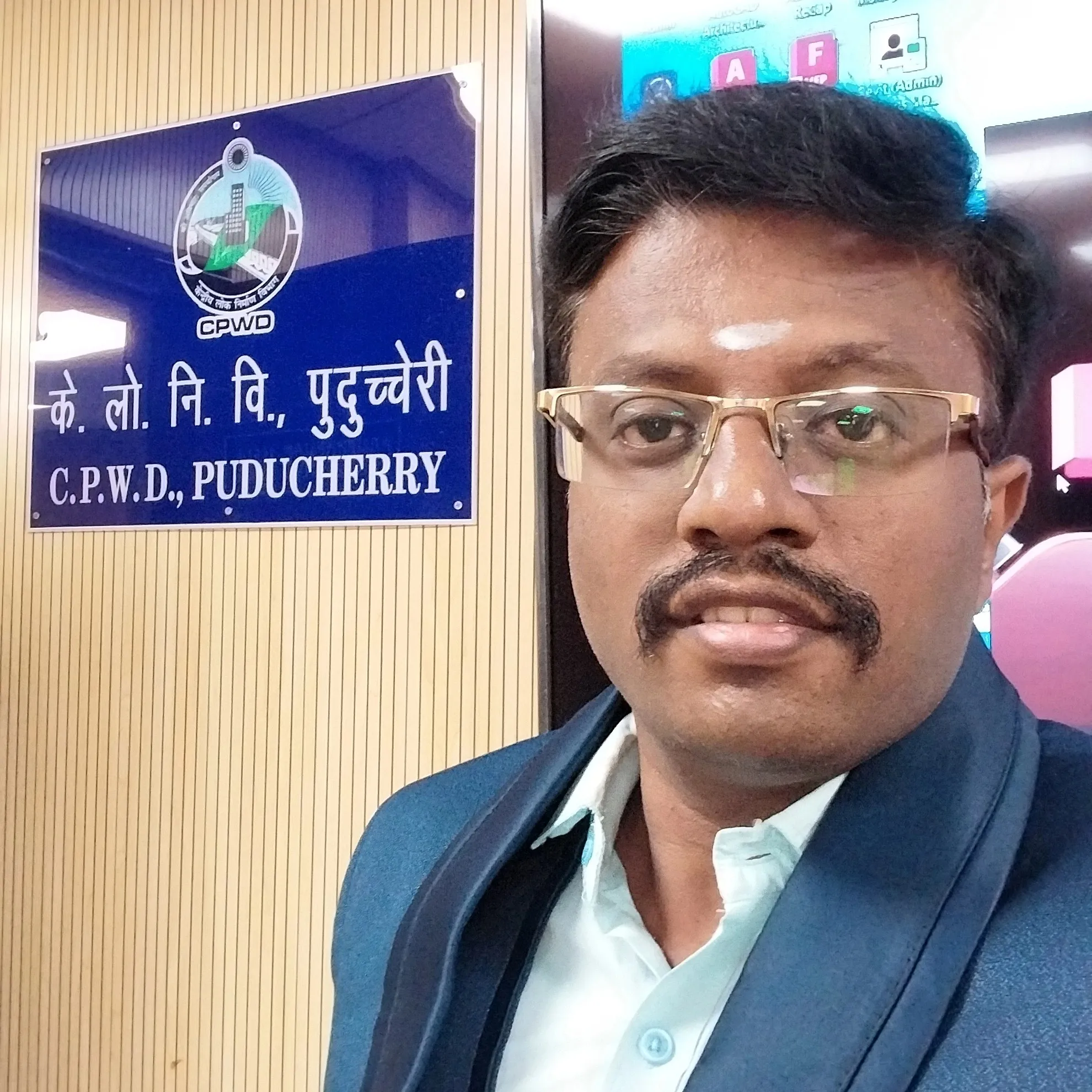
D Bharathi Pandian
Chennai/Online
Skills :
About :
D Bharathi Pandian is a highly experienced online programming and data science tutor with 12 years of teaching experience and a strong academic foundation backed by a B.Tech / B.E.…
D Bharathi Pandian is a highly experienced online programming and data science tutor with 12 years of teaching experience and a strong academic foundation backed by a B.Tech / B.E. degree. He supports students and graduates across technical, computer science, commerce, and engineering domains with structured, practical, and syllabus-aligned teaching.
Based in Chennai (Kilpauk), Bharathi Pandian offers online classes to learners across India, helping them build job-ready technical skills and strong academic foundations.
Qualifications Summary
Degree: B.Tech / B.E.
Expertise Areas: Programming, data science, computer science, engineering and commerce subjects
Experience Overview
With over a decade of teaching experience, Bharathi Pandian has worked with school students, engineering graduates, commerce students, and career-focused learners. His experience spans computer science, data science, Python programming, engineering subjects, and commerce tools, making him a versatile and trusted tutor.
D Bharathi Pandian
Chennai/Online
Skills :
D Bharathi Pandian is a highly experienced online programming and data science tutor with 12 years of teaching experience and a strong academic foundation backed by a B.Tech / B.E....
D Bharathi Pandian is a highly experienced online programming and data science tutor with 12 years of teaching experience and a strong academic foundation backed by a B.Tech / B.E. degree. He supports students and graduates across technical, computer science, commerce, and engineering domains with structured, practical, and syllabus-aligned teaching.
Based in Chennai (Kilpauk), Bharathi Pandian offers online classes to learners across India, helping them build job-ready technical skills and strong academic foundations.
Qualifications Summary
Degree: B.Tech / B.E.
Expertise Areas: Programming, data science, computer science, engineering and commerce subjects
Experience Overview
With over a decade of teaching experience, Bharathi Pandian has worked with school students, engineering graduates, commerce students, and career-focused learners. His experience spans computer science, data science, Python programming, engineering subjects, and commerce tools, making him a versatile and trusted tutor.
FindMyGuru is a tutor discovery platform that helps students find and connect with experienced tutors and institutes across a wide range of subjects and skills. Students can explore tutor profiles, compare expertise, and contact tutors directly for online or in-person learning.FindMyGuru facilitates discovery and connections between students and tutors or institutes. All classes and learning arrangements are handled directly between students and the respective tutors or institutes
Courses by D Bharathi Pandian
Online
1 Month
English, Tamil
Kilpauk, Chennai, 5/2 new Mandapam road
On Call
Week Days / Weekends
Course Content
AutoCAD Course Content
Module 1: Introduction to AutoCAD
What is CAD & AutoCAD
Applications of AutoCAD (Civil, Mechanical, Electrical, Architecture)
Versions and system requirements
AutoCAD file types (.DWG, .DXF, .DWT)
Starting AutoCAD: New, Open, Save
Module 2: AutoCAD Interface & Settings
AutoCAD workspace overview
Ribbon, Toolbars, Command line
Model Space vs Layout (Paper Space)
Units setting (UNITS command)
Limits, Grid, Snap, Ortho, Polar tracking
Object Snap (OSNAP) settings
Module 3: Basic Drawing Commands
LINE
POLYLINE
CIRCLE
ARC
RECTANGLE
POLYGON
ELLIPSE
SPLINE
Practice: Simple 2D shapes & layouts
Module 4: Modify Commands
MOVE
COPY
ROTATE
SCALE
MIRROR
OFFSET
TRIM
EXTEND
FILLET
CHAMFER
STRETCH
BREAK
JOIN
Practice: Editing and modifying drawings
Module 5: Precision Drawing Techniques
Absolute coordinates
Relative coordinates
Polar coordinates
Object snaps in detail
Tracking & precision tools
Module 6: Layers & Properties
Layer creation & management
Layer properties (color, linetype, lineweight)
Freeze, Lock, On/Off layers
Match Properties (MATCHPROP)
Properties palette
Module 7: Annotation – Text & Dimensions
Single-line text (TEXT)
Multiline text (MTEXT)
Text styles
Dimension types:
Linear
Aligned
Angular
Radius & Diameter
Dimension styles
Tolerances
Module 8: Blocks & References
Creating blocks
Inserting blocks
Block attributes
Editing blocks (BEDIT)
Dynamic blocks (introduction)
External references (XREF)
Module 9: Hatching & Gradients
HATCH command
Pattern selection
Scale & angle
Gradient fills
Editing hatch boundaries
Module 10: Advanced Drawing Tools
Multiline (MLINE)
Revision clouds
Arrays (Rectangular, Polar, Path)
Divide & Measure
Region command
Module 11: Layouts & Plotting
Paper Space vs Model Space
Creating layouts
Viewports
Setting scale
Plot styles (CTB / STB)
Printing & PDF export
Module 12: Drawing Standards & Best Practices
CAD standards
Naming conventions
Line types & weights
Template creation
Drawing organization techniques
Module 13: Introduction to 3D (Optional)
3D workspace
UCS basics
3D primitives (Box, Cylinder, Sphere)
Extrude, Revolve, Sweep
View controls & visual styles
Module 14: Industry-Based Practice
Floor plan drawing
Mechanical part drawing
Electrical layout
Simple site layout
Module 15: Final Project & Assessment
Complete 2D project
Plot-ready drawing
Viva / practical test
Certification guidance
Software Used
AutoCAD (Latest version)
Course Outcome
After completing this course, learners will be able to:
Create accurate 2D drawings
Apply drafting standards
Prepare drawings for printing
Work confidently in industry or academics